
Works with your tools
Your CRM, your team chat and your own systems — connected for your organization by Aivynzo, on request.
- HubSpot & Salesforce
- Outreach & Slack
- Webhooks
Connected to the tools you use
HubSpot
Bring contacts and tasks in from HubSpot and send contacts back.
Salesforce
Bring contacts and tasks in from Salesforce and send contacts back.
Outreach
Prospects, tasks and sequences shared with Outreach.
Slack
Call summaries and hot leads posted to your Slack channel.
Outgoing webhooks
Send call events to your own systems as they happen.
One place for the data
Calls, summaries and tasks in Aivynzo; the CRM kept in step.
CRM integration
Your CRM and your calls, in step
A call center CRM integration should save typing, not create it. Aivynzo brings contacts and tasks in from HubSpot, Salesforce or Outreach so agents call from the list they already work, and sends contacts back so the CRM stays the record. Slack gets call summaries and hot leads as they happen, and webhooks send call events wherever your own systems need them.
- No double entry
- Summaries where your team talks
- Events to your own systems
In the app
Switched on for you, seen by you
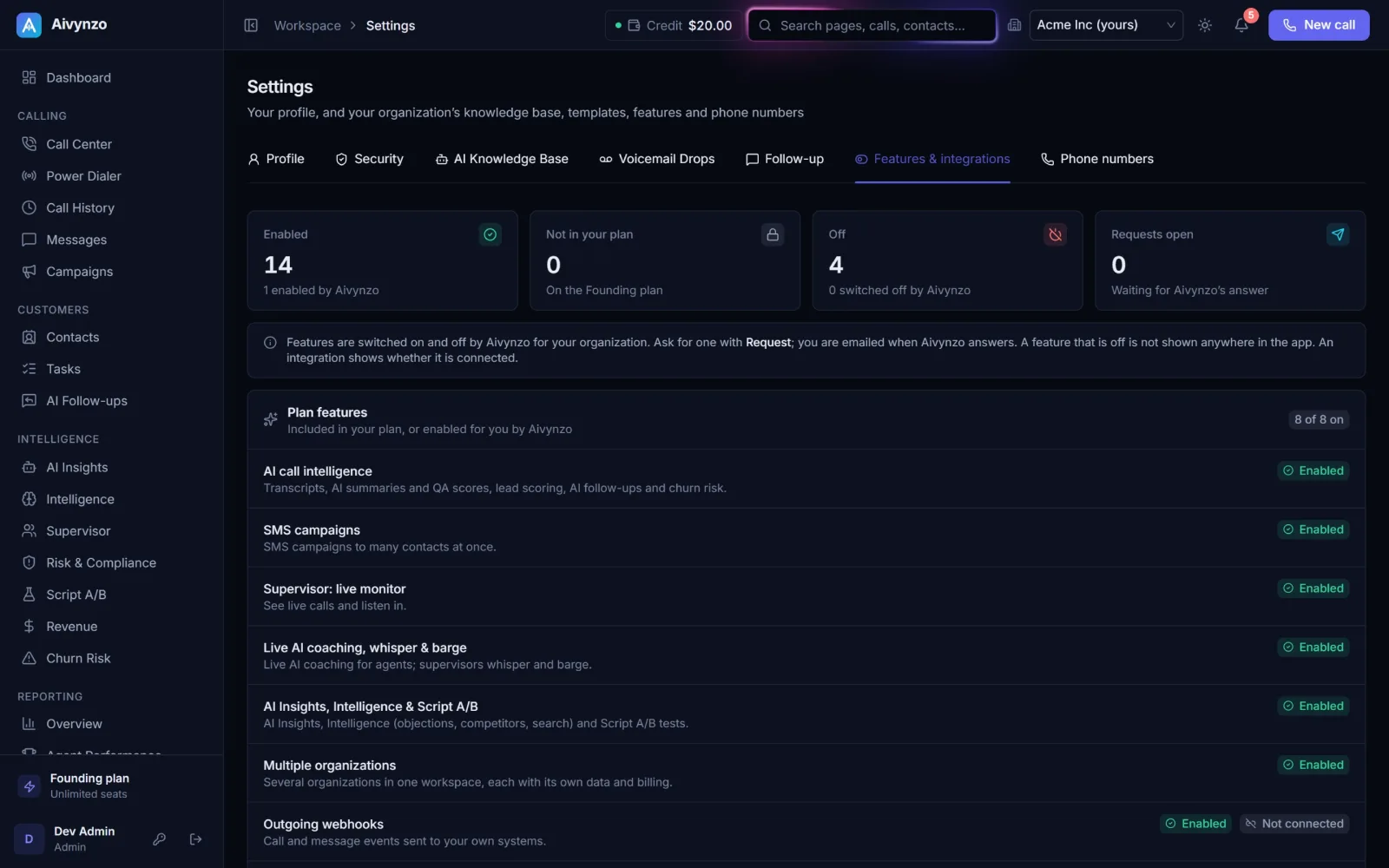
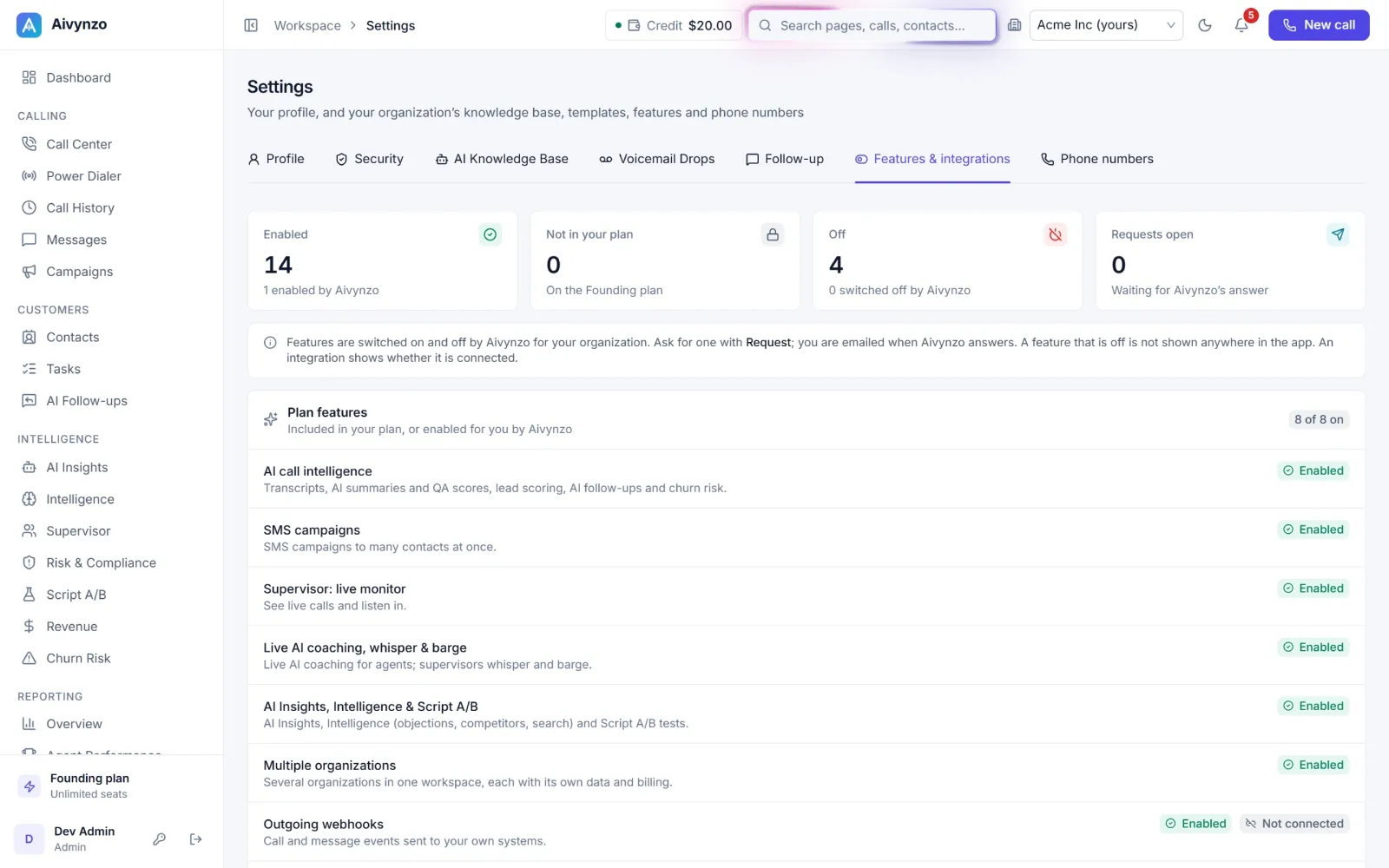
Settings → Features & integrations shows every feature and connection of your organization: what your plan gives, what Aivynzo switched on for you, and what you can ask for — with your request answered by e-mail.
- Every feature and connection, with its state
- Ask for one in a click
- Connected for you by Aivynzo
Questions
How do we connect an integration?
Ask for it in the app; Aivynzo switches it on for your organization and you connect your account.
Is our CRM data copied?
Contacts and tasks you choose are kept in step between Aivynzo and your CRM.
Can we send data to our own systems?
Yes — outgoing webhooks send call events, such as a summary being ready, to an address you choose.