

See everything your calls are telling you
From the day’s numbers to the objections your customers raise and the deals your calls won — every report in Aivynzo, built from your own calls, as they happen.
- Seven views of your calls
- Team or your own
- Updated as calls end
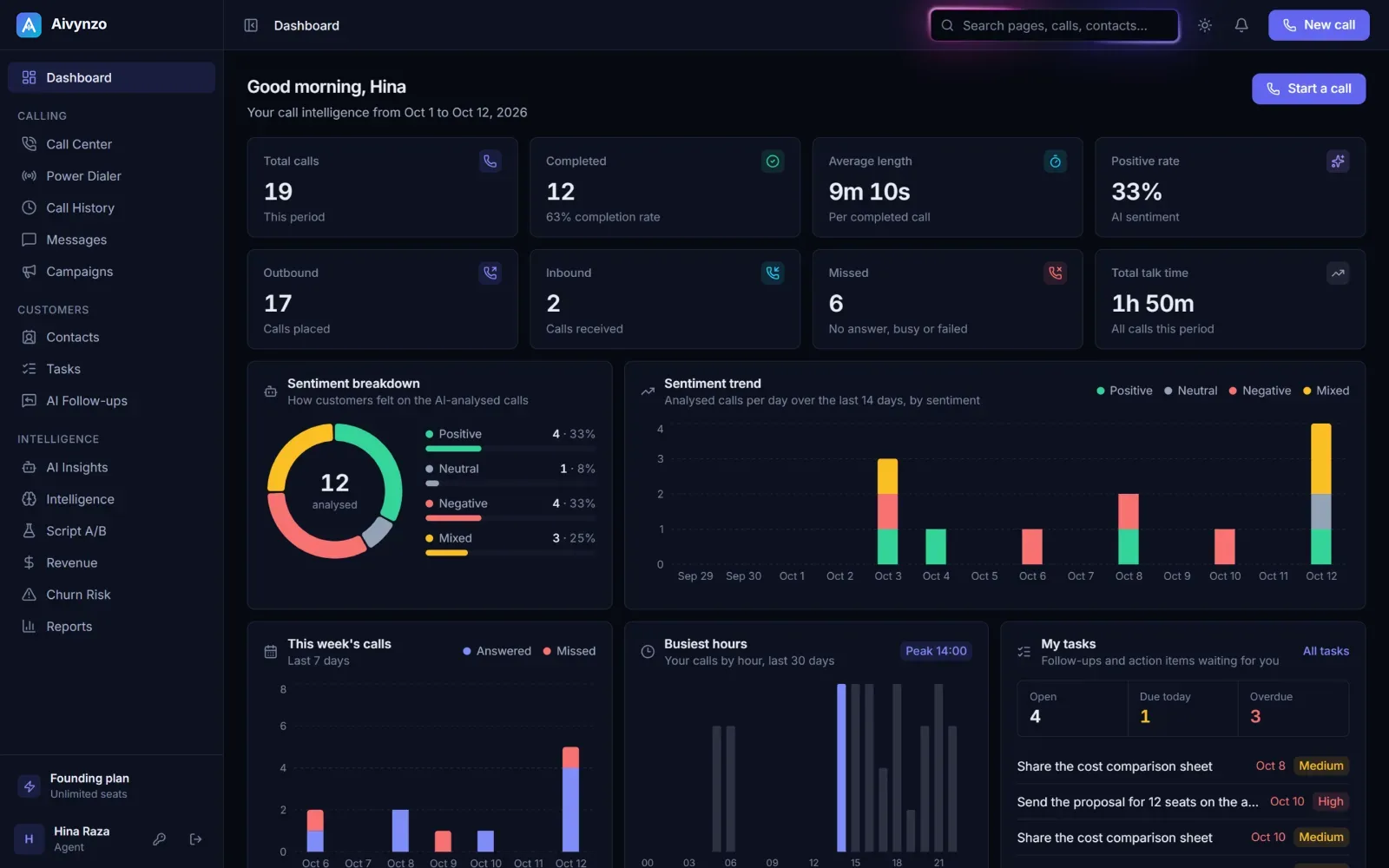
Dashboard
Your team at a glance
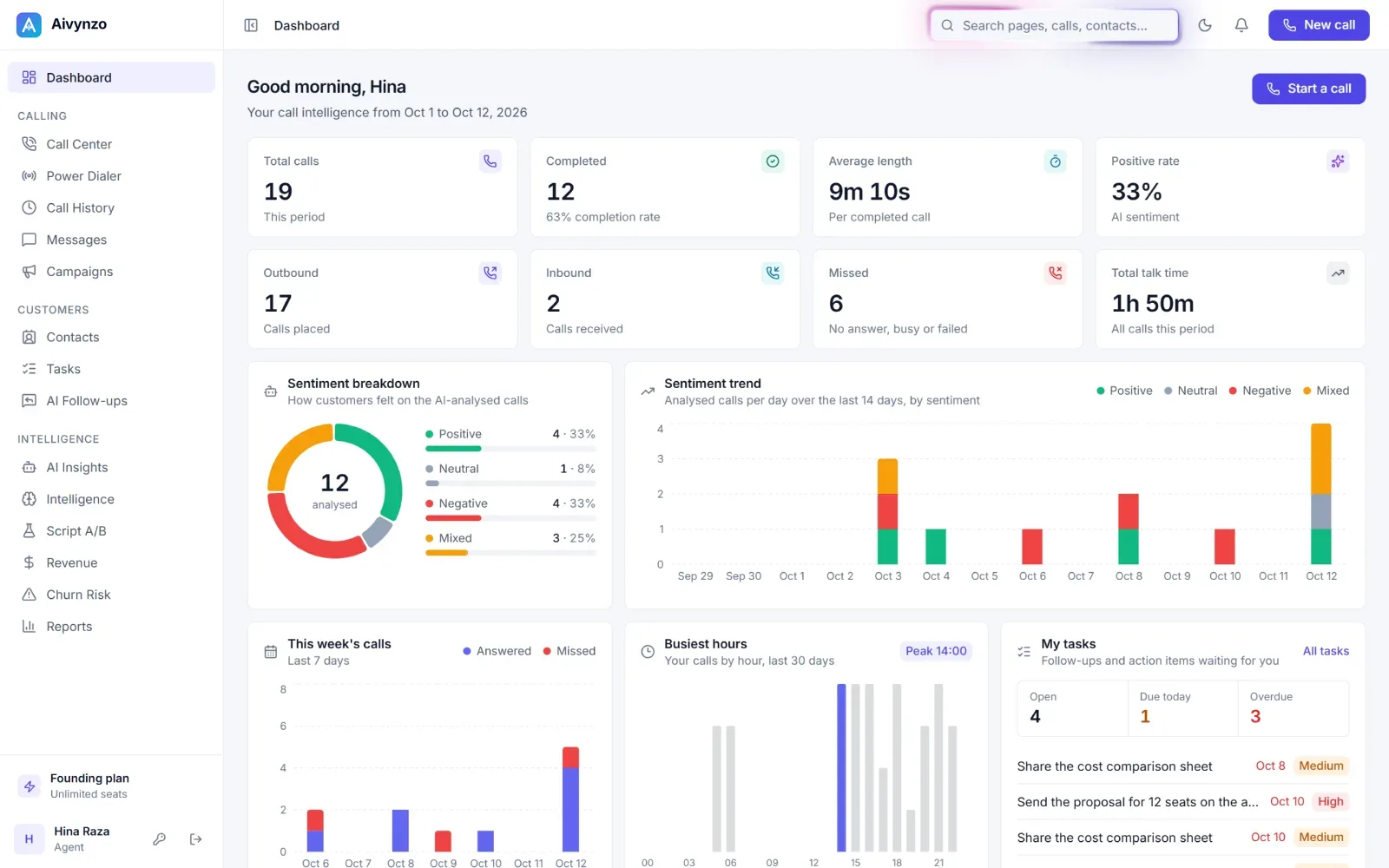
Calls, completion rate, average length and talk time for the period you pick; outbound, inbound and missed calls side by side; how customers felt on the analysed calls, and the latest calls to open.
- Calls, completion and talk time
- Sentiment of the analysed calls
- The latest calls, one click away
Reports
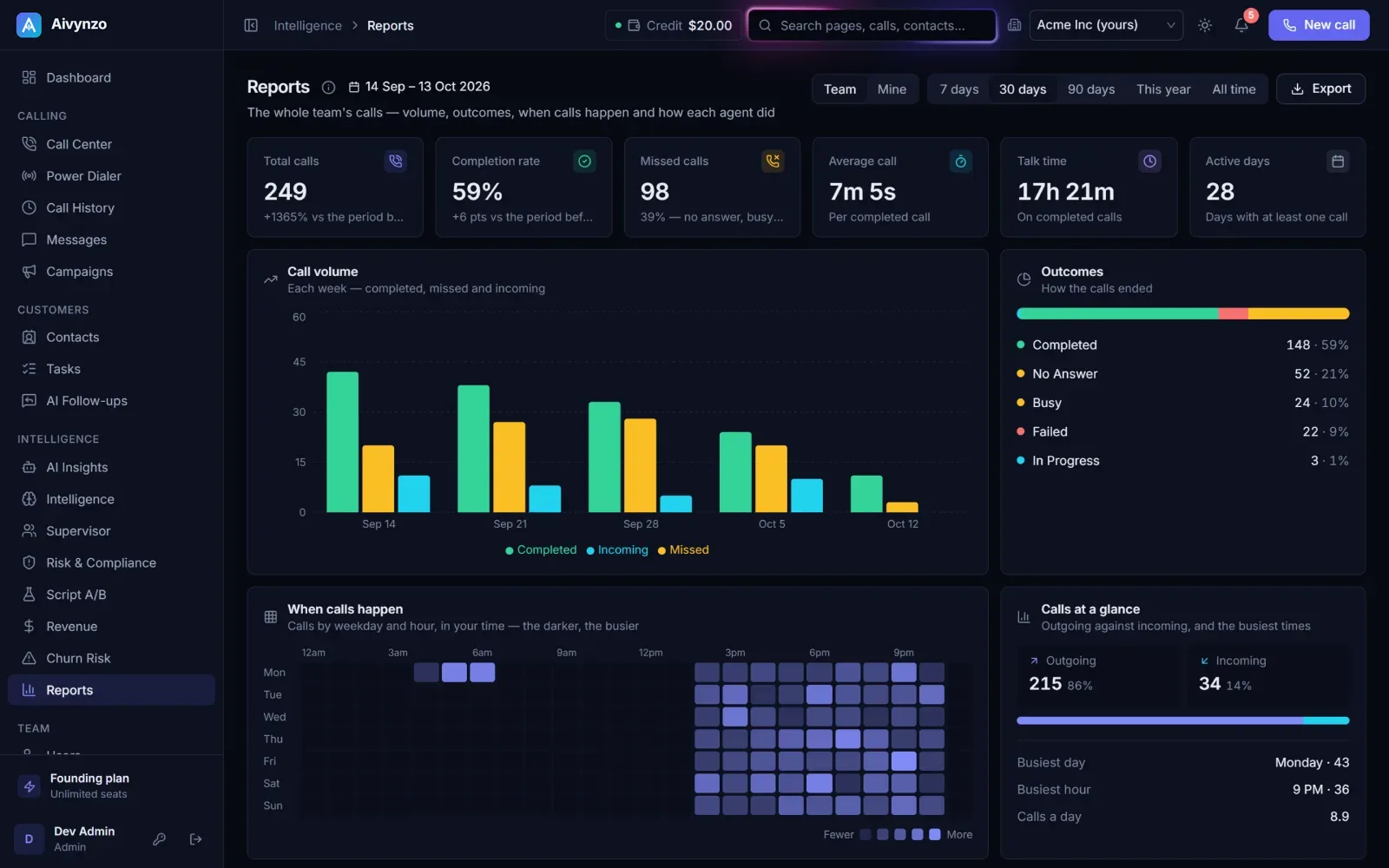
Every call, counted
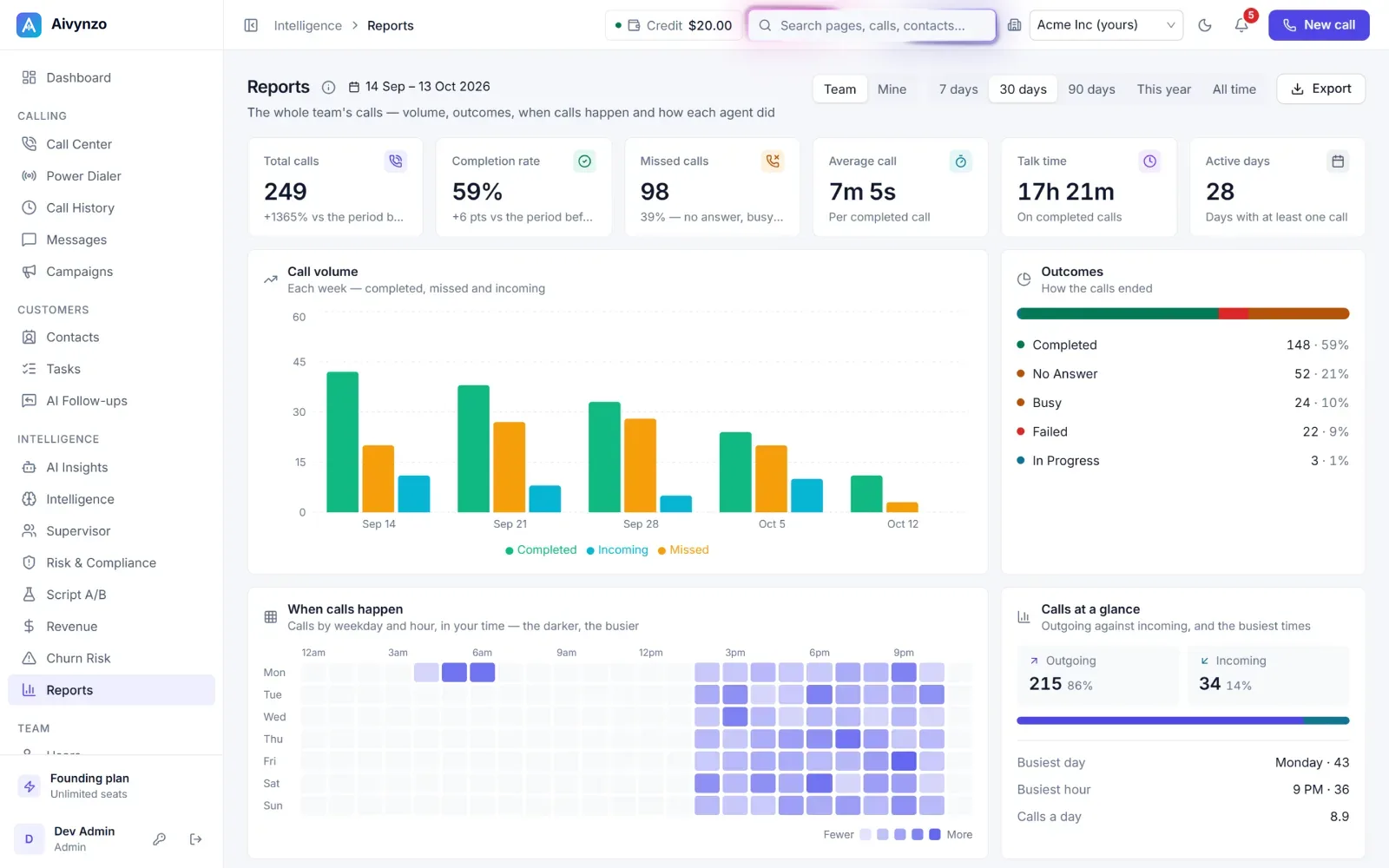
Call volume week by week, how calls ended, the busiest weekdays and hours on a heat map, the dispositions agents chose — for the last 7, 30 or 90 days, this year or all time, for the team or just you. Export it when you need it elsewhere.
- Volume, outcomes and dispositions
- When calls happen, by weekday and hour
- Any period, team or your own — and export
AI Insights
What your calls are telling you
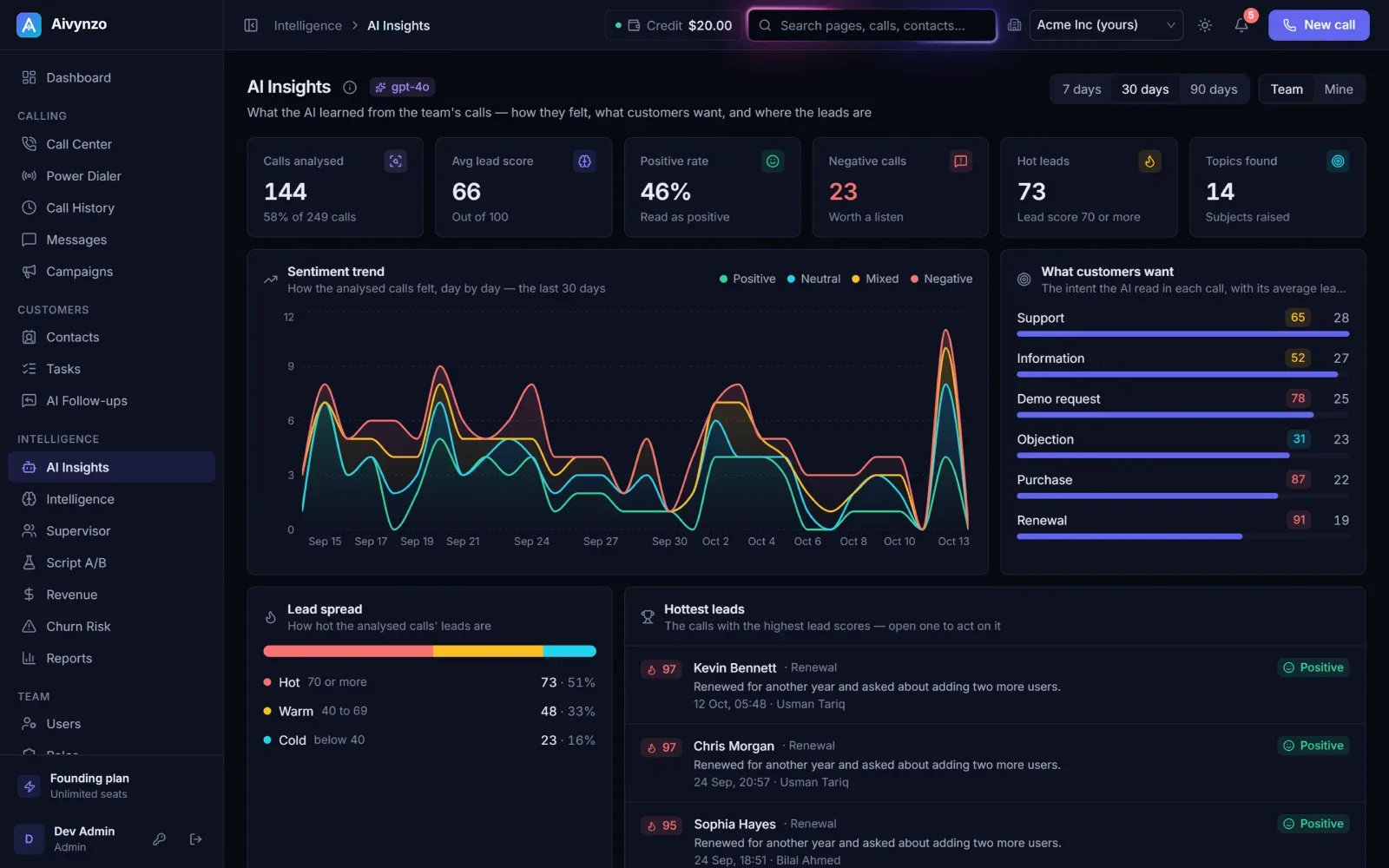
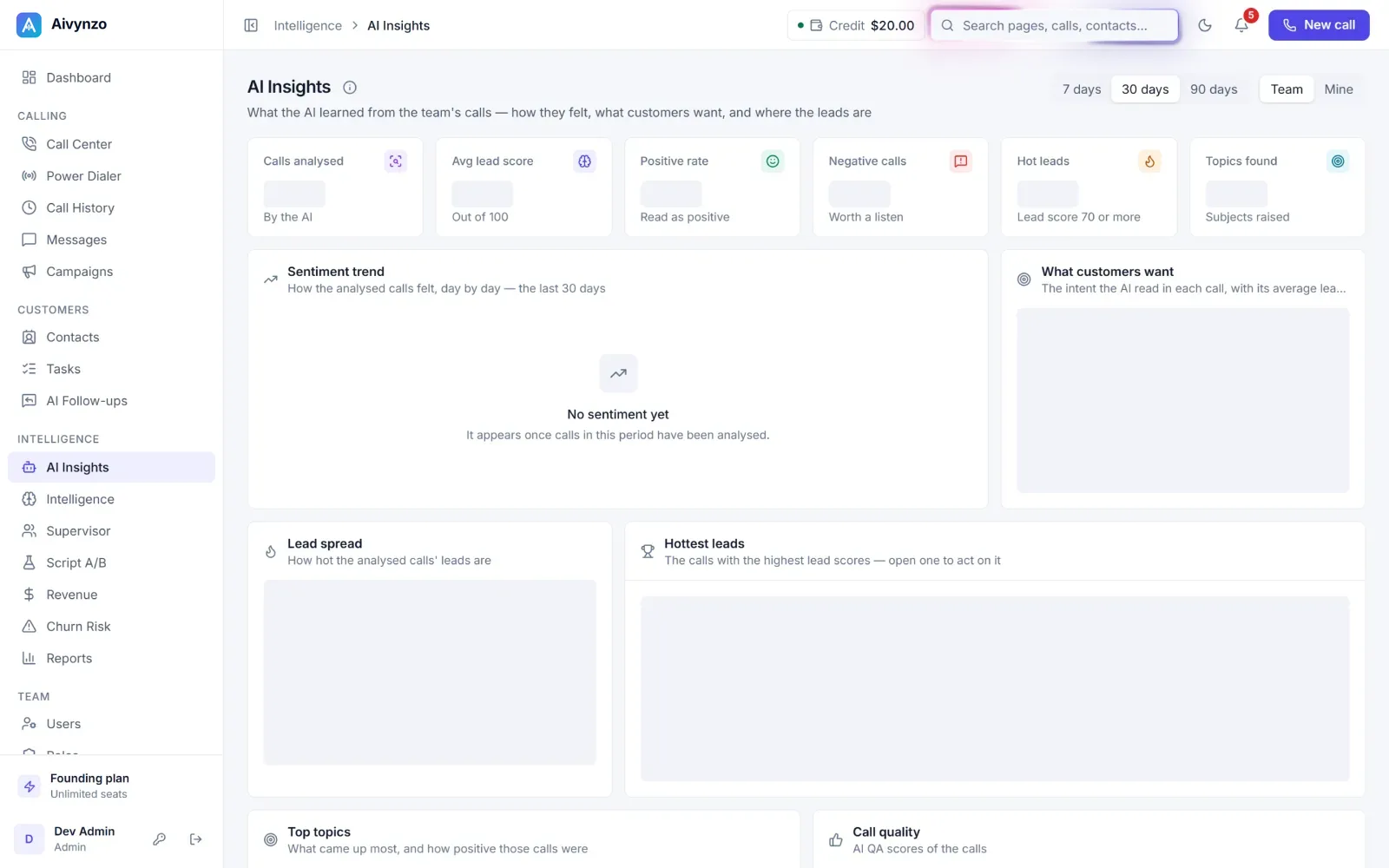
Across every analysed call: the sentiment trend, what customers want with the lead score it brings, the spread of hot, warm and cold leads, the hottest leads to act on, the topics that keep coming up — and the team side by side.
- Sentiment trend and customer intent
- Hottest leads and top topics
- Patterns worth acting on, each week
Intelligence Hub
Objections, competitors and what works
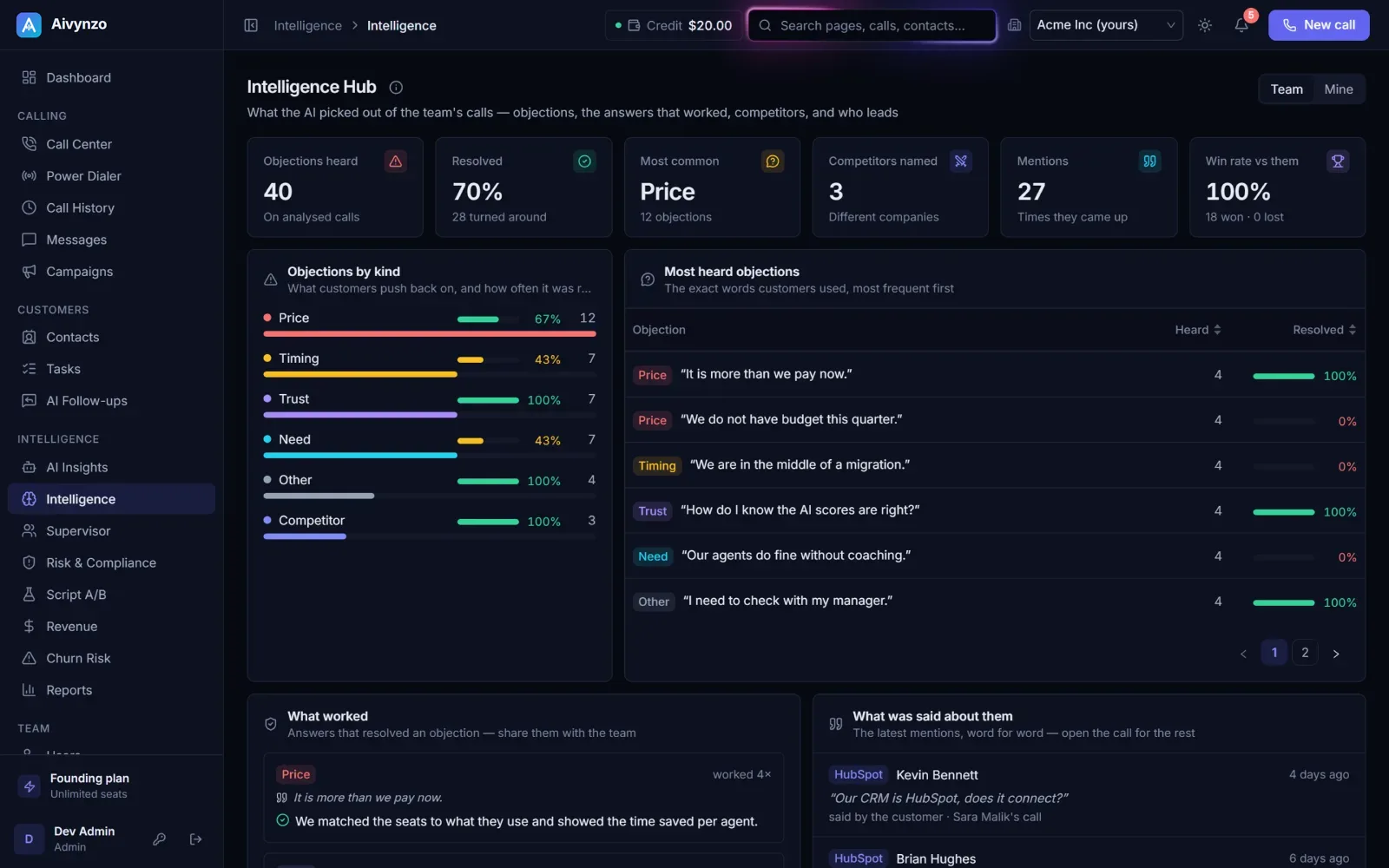
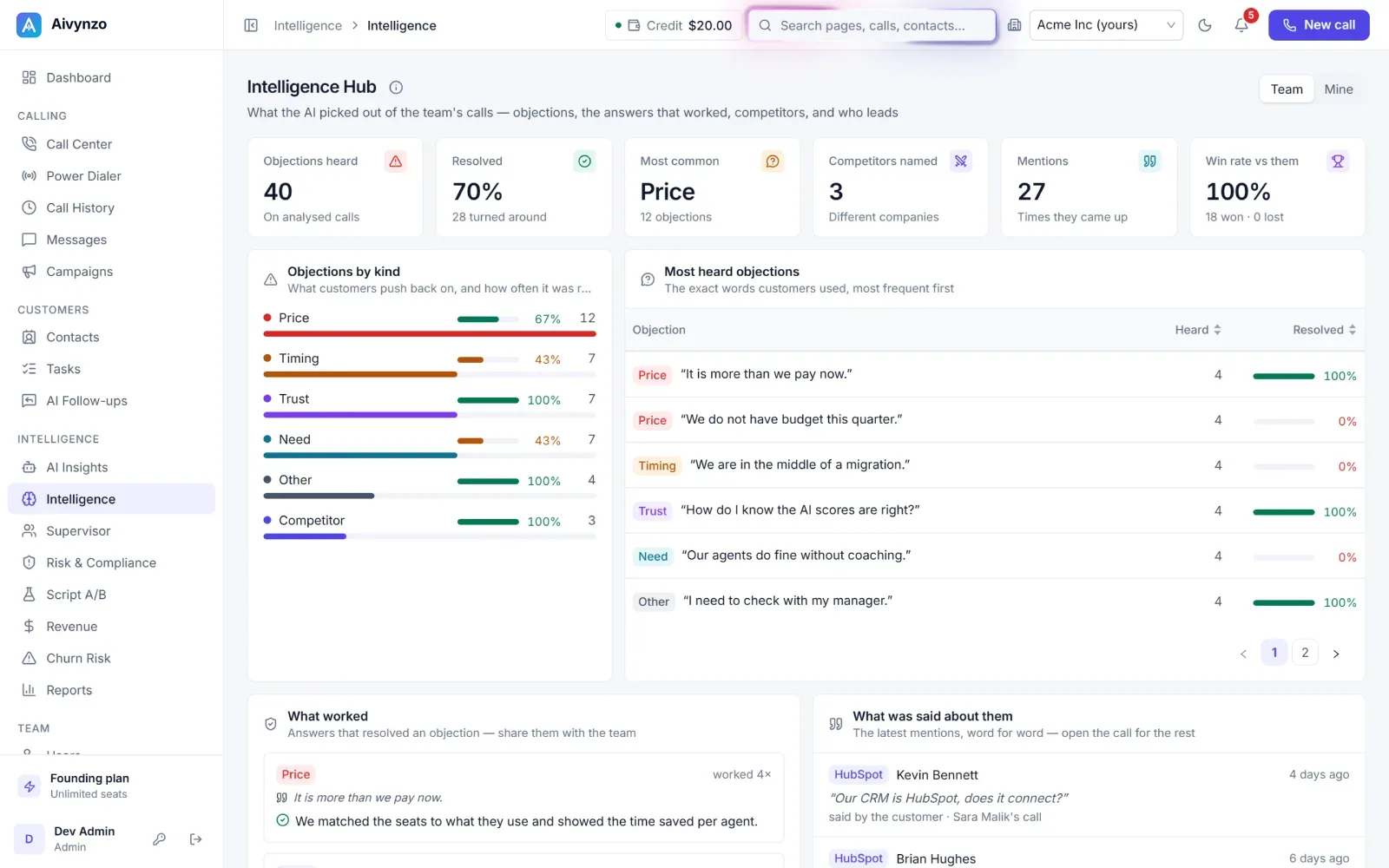
The objections customers raise and how often they were resolved, the exact words they used, the answers that worked, the competitors they mention and how those deals went — and the team ranked by AI QA score. Ask your calls in plain words to find the ones you need.
- Objections, resolved or not
- Competitors and what was said
- Ask your calls in plain words
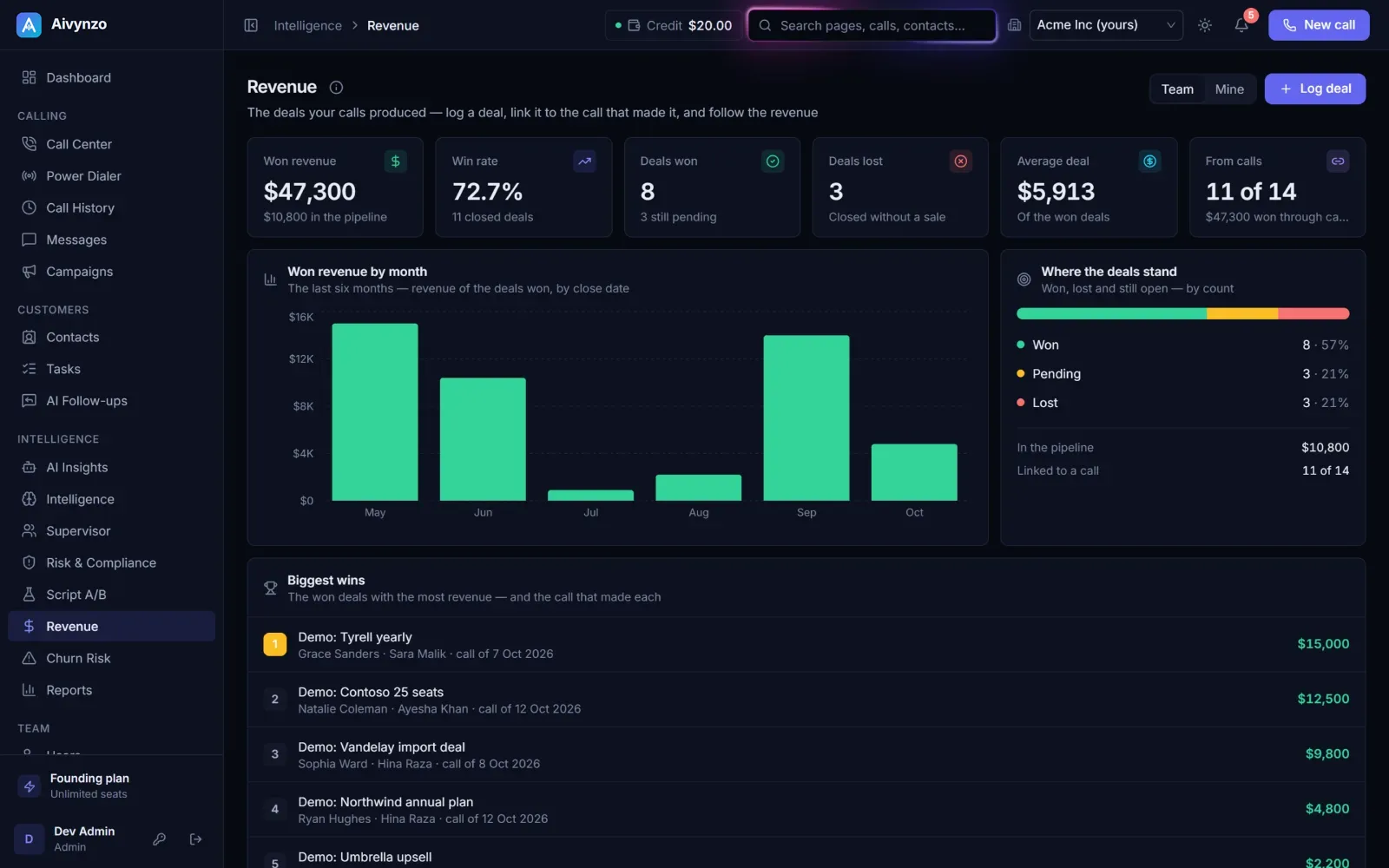
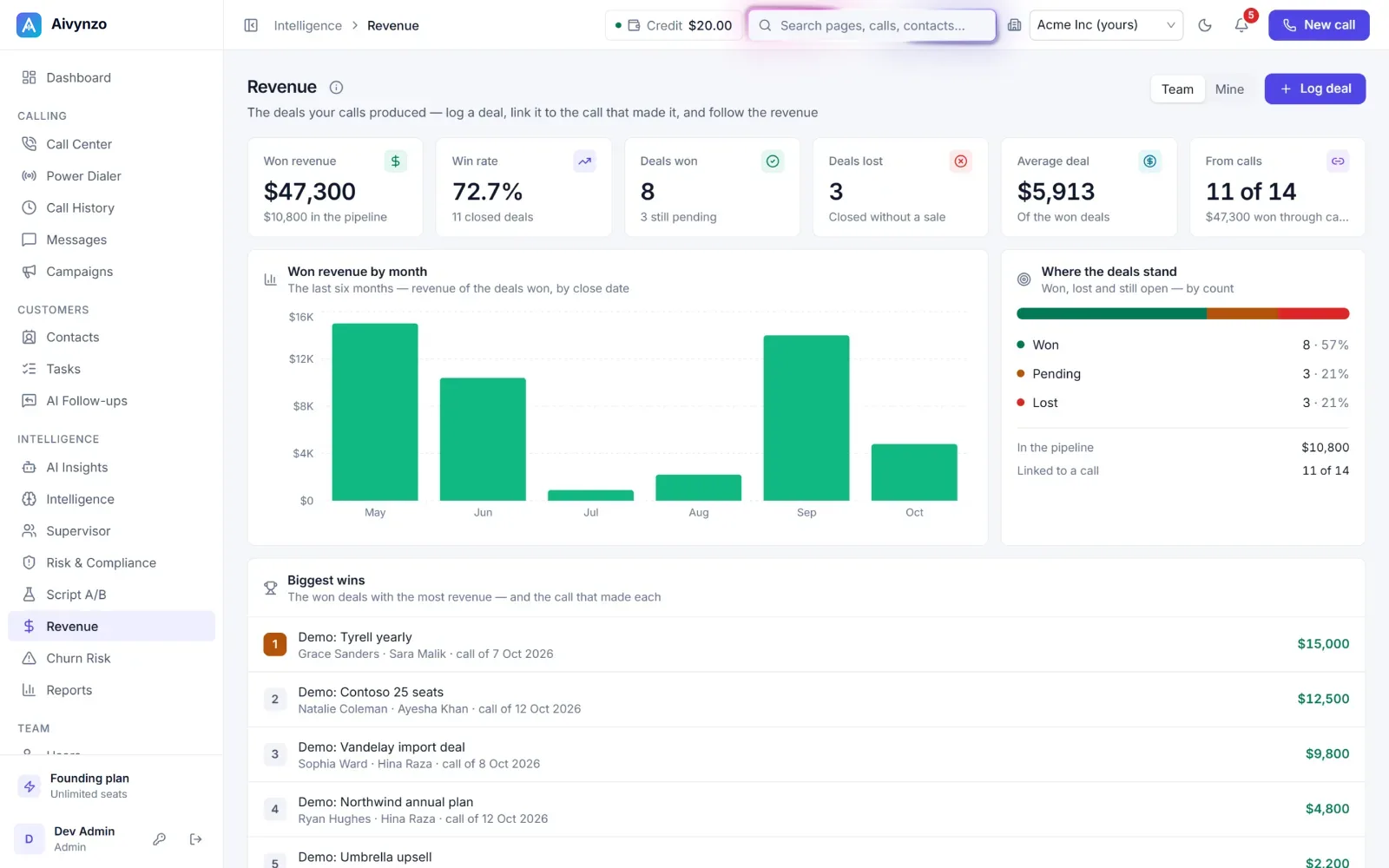
Revenue
The deals your calls produced
Log a deal and link it to the call that made it: won revenue by month, win rate and average deal, where the open deals stand, and the biggest wins with the call behind each.
- Won revenue by month
- Win rate and average deal
- Every deal linked to its call
Churn Risk
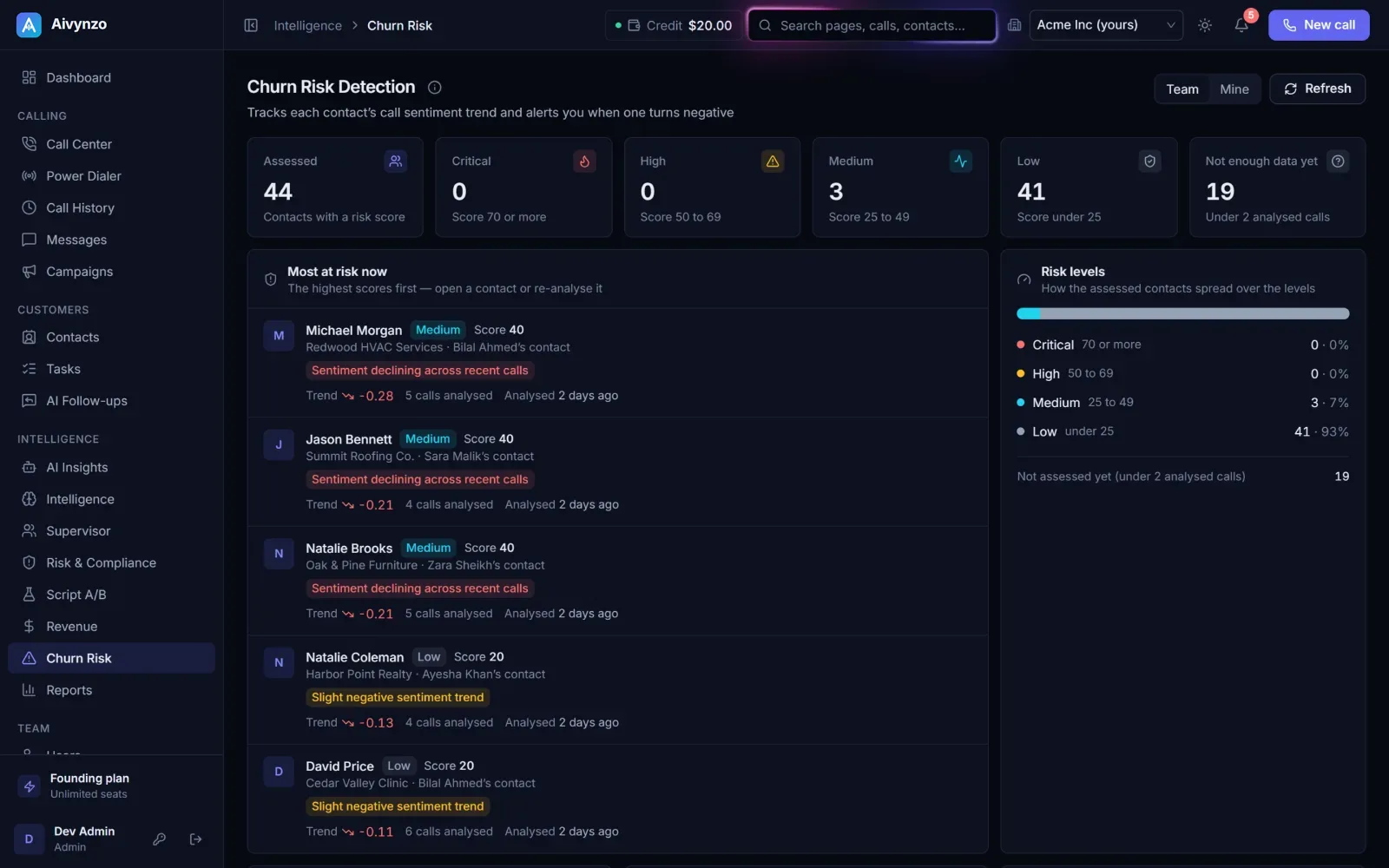
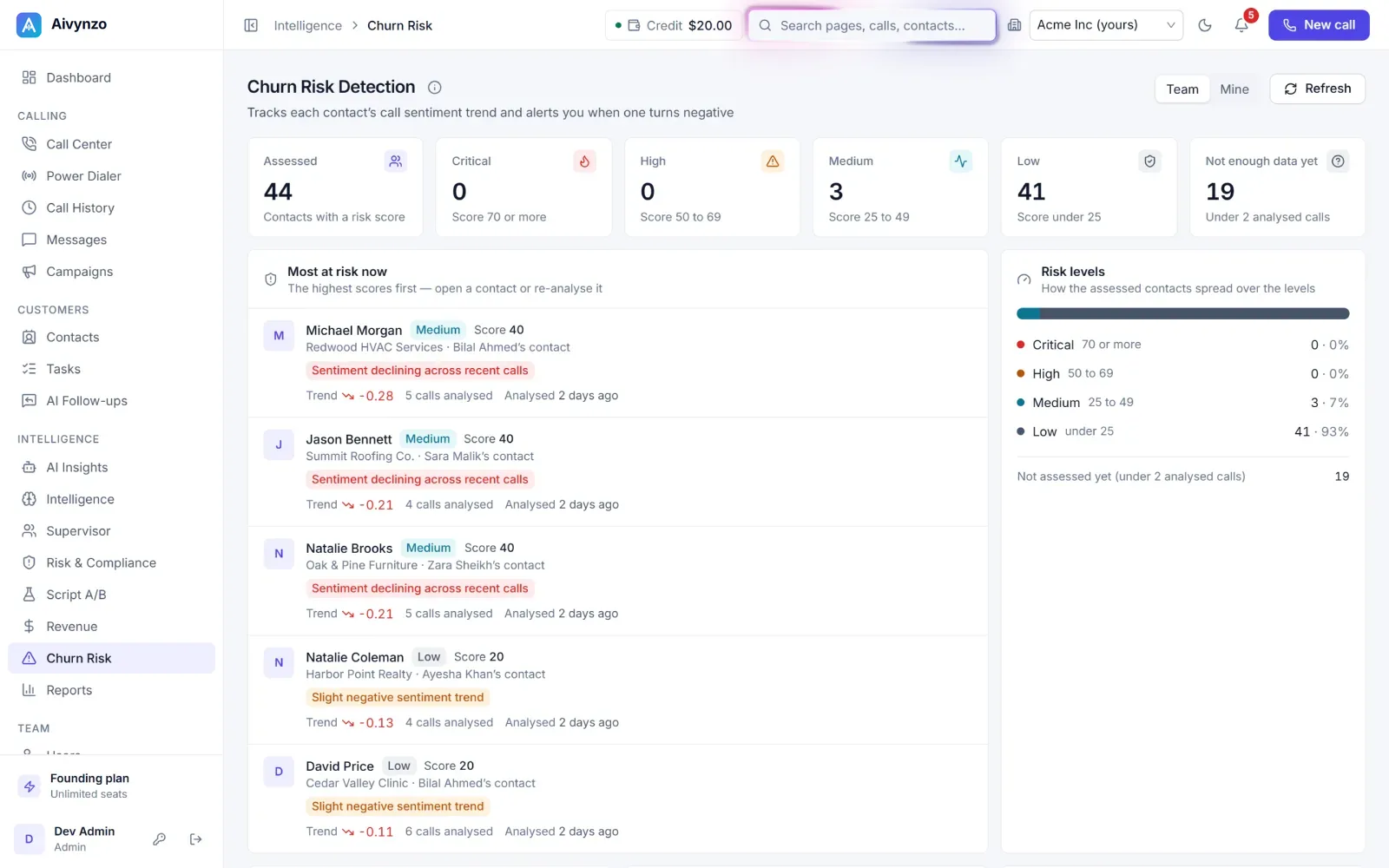
Customers drifting away, in time
Each contact’s call sentiment is followed over time and scored, so a customer turning negative is flagged before they leave — with the reasons behind the score and the contacts most at risk first.
- A risk score for each contact
- The reasons behind it
- An alert when a trend turns negative
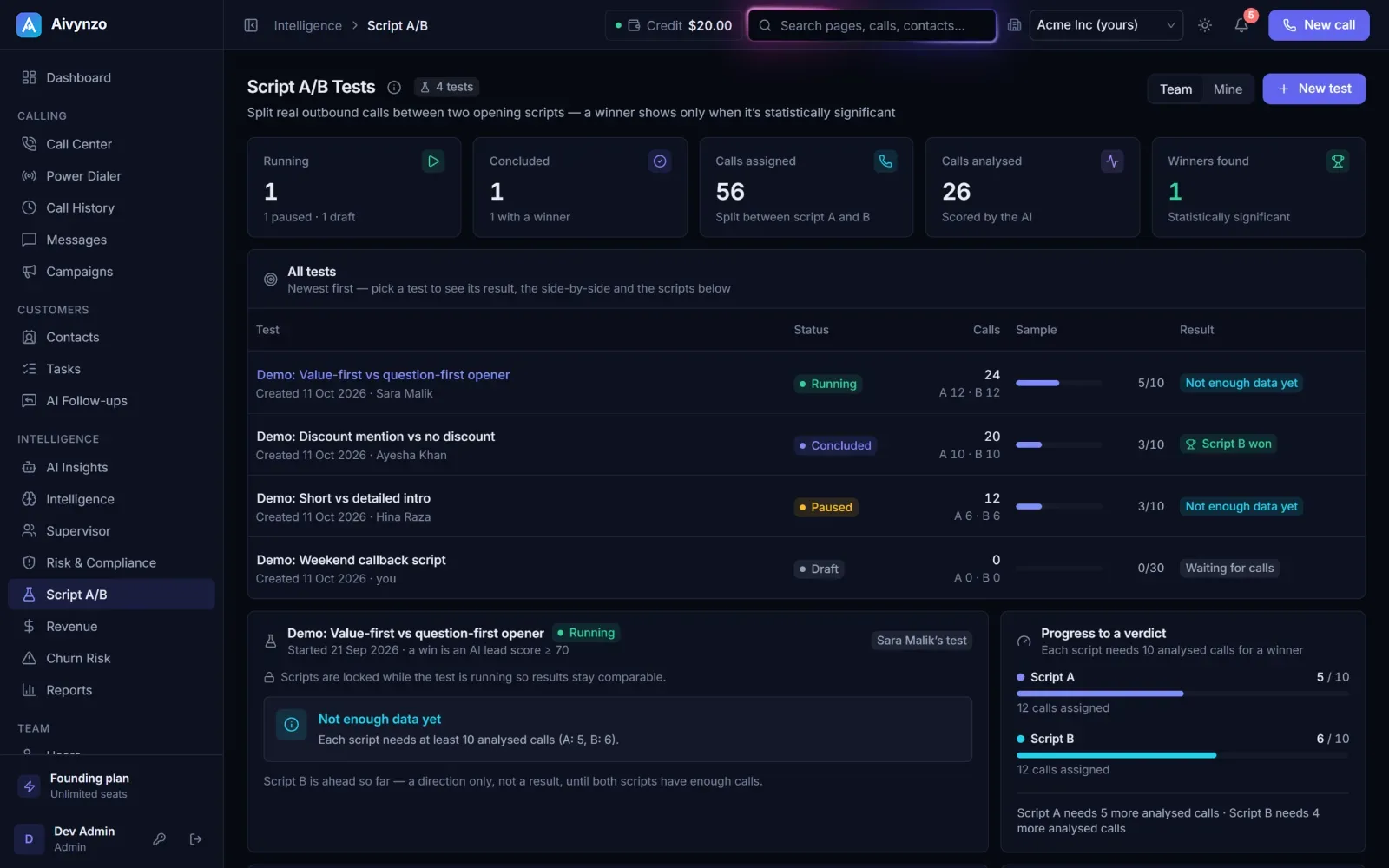
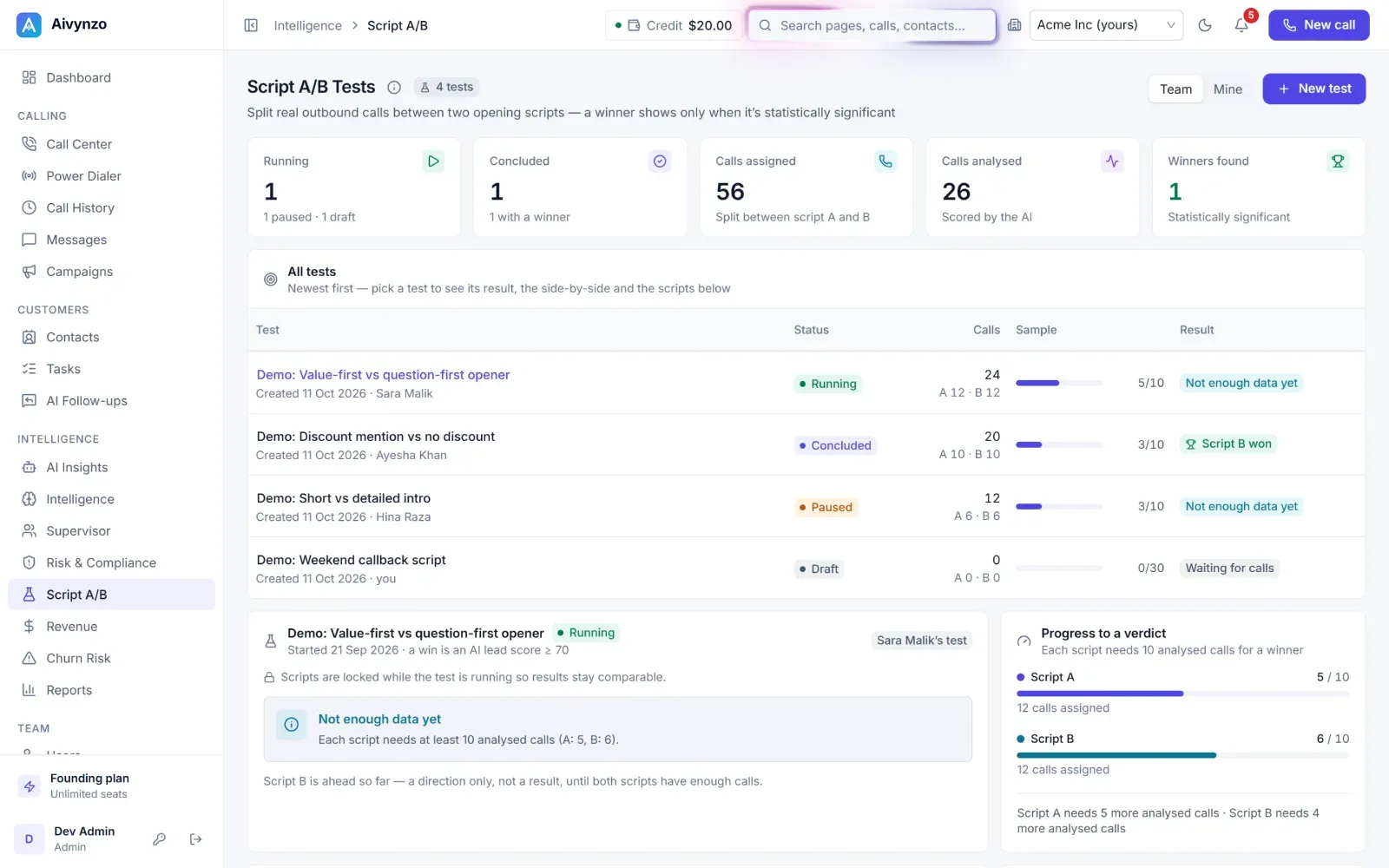
Script A/B
Which opening line works
Split outbound calls between two opening scripts; the AI scores every call, and a winner is shown only when the difference is statistically significant.
- Two scripts, real calls
- Every call scored by the AI
- A winner only when it is real
Questions
Who sees the reports?
Each agent sees their own calls; admins and managers see the whole team, and can switch between the two.
How fresh are they?
They are built from your calls as they end; the AI views fill in as each call’s summary is ready, minutes after it.
Can I take the numbers elsewhere?
Reports export the calls of the period you picked.
In the plans
Dashboard & reports
Calls, outcomes and agents at a glance, by day and by hour.
AI Insights & Intelligence
Trends, topics and agent performance across your calls.
Revenue tracking
Deals linked to the calls that led to them.
Churn risk signals
Signals that a customer may leave, drawn from their calls.
Script A/B tests
Compare two call scripts on real calls.
Know what is happening on every call
We walk you through the reports with your own calls.